Programmer Needs: Essential Tools, Skills, and Resources for Modern Developers
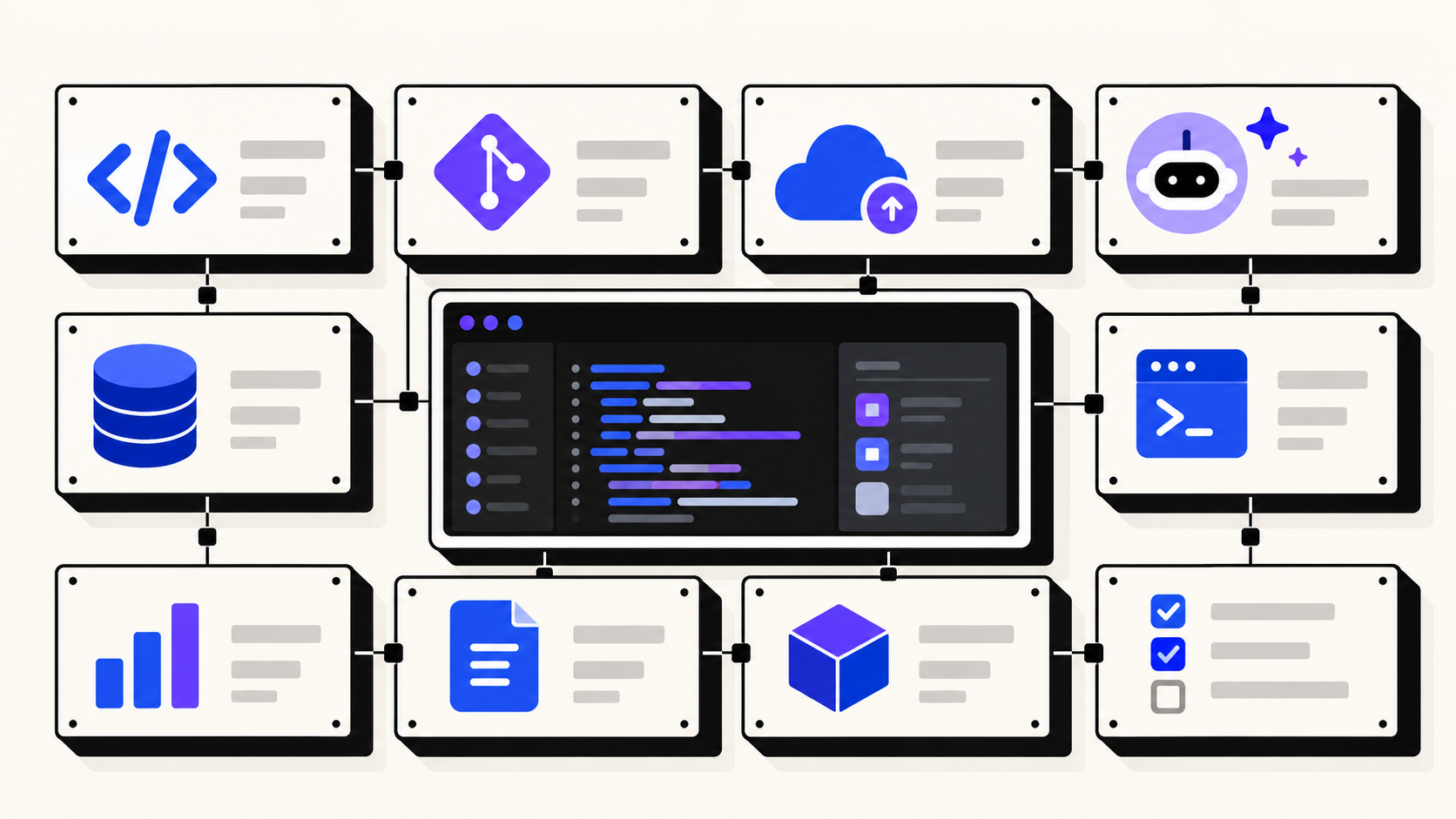
Every programmer needs more than a code editor and a programming language. Writing code is only one part of software development. Developers also need reliable tools for debugging, version control, testing, deployment, collaboration, and continuous learning.
The challenge is knowing which tools are worth using.
Thousands of developer products are available, from open-source utilities to AI-powered coding assistants. Some solve important problems, while others add unnecessary complexity to an already crowded workflow.
This guide explores what every programmer needs, how to choose the right tools, and where to discover useful software that makes development easier.
What Does Every Programmer Need?
A programmer needs a combination of technical skills, development tools, problem-solving abilities, and reliable learning resources.
The exact requirements depend on the type of development. A frontend developer may prioritize browser debugging and interface design tools, while a backend engineer may rely more heavily on databases, API testing, and infrastructure monitoring.
However, most developers benefit from the same essential toolkit.
| Category | Popular examples | Primary purpose |
|---|---|---|
| Code editor | VS Code, Neovim, JetBrains IDEs | Writing and navigating code |
| Version control | Git, GitHub, GitLab | Managing code changes |
| API testing | Postman, Bruno | Testing API requests |
| Debugging | Chrome DevTools, IDE debuggers | Finding and fixing errors |
| AI assistance | GitHub Copilot, Continue | Supporting development tasks |
| Deployment | Docker, Vercel, Render | Running applications |
| Documentation | MDN Web Docs, official documentation | Learning and troubleshooting |
You do not need every tool on this list. A smaller set of well-understood tools is usually more useful than a collection of applications you rarely open.
1. A Reliable Code Editor or IDE
A code editor is where most development work begins. It should make writing, navigating, and maintaining code easier without interrupting concentration.
Visual Studio Code is a popular choice for developers working across multiple programming languages. JetBrains IDEs provide integrated development features for specific ecosystems, while Neovim appeals to programmers who prefer keyboard-driven workflows.
When choosing an editor, consider debugging support, language compatibility, extensions, performance, and integration with your development environment.
For beginners, an editor with a large documentation ecosystem and straightforward setup is often the best starting point.
2. Version Control and Collaboration Tools
Version control is essential for managing changes in a software project.
Git allows developers to track modifications, create branches, experiment with features, and return to earlier versions when necessary.
Platforms such as GitHub and GitLab extend these capabilities with pull requests, issue tracking, and collaborative code reviews.
Even if you work independently, version control is worth using from the beginning.
A practical workflow includes creating focused commits, writing meaningful commit messages, reviewing changes before merging, and keeping sensitive information out of repositories.
These habits make projects easier to maintain as they grow.
3. Debugging and API Testing Tools
Writing code without testing it is like building a product without checking whether it works.
Frontend developers can use browser developer tools to inspect HTML, CSS, JavaScript errors, and network requests. Backend developers often need API clients, logging systems, and database inspection tools.
For example, when an API request fails, an API testing tool can help determine whether the problem comes from authentication, request formatting, server validation, or the response itself.
Tools such as Postman and Bruno support structured API testing, while browser DevTools provide detailed visibility into web application behavior.
Learning how to debug systematically is more valuable than relying on trial and error.
4. AI Tools That Support Programming
AI coding assistants have become another option in the modern developer toolkit.
They can help explain unfamiliar code, suggest implementations, generate test cases, and draft documentation. They can also help developers explore different solutions before choosing an approach.
However, AI-generated code should never be treated as automatically correct.
Developers still need to check security, performance, dependencies, edge cases, and compatibility with the existing codebase.
For example, an AI assistant might generate a database query that works with a small dataset but performs poorly in production.
The most effective approach is to treat AI as a supporting tool rather than a replacement for understanding your application.
5. Deployment, Hosting, and Monitoring
A working application on your local computer is not the same as a reliable application in production.
Developers need to understand how applications are deployed, configured, monitored, and maintained.
Docker helps package applications into reproducible environments. Platforms such as Vercel and Render provide hosting and deployment workflows for supported application types.
Monitoring tools help developers identify errors, inspect logs, and understand application performance.
For a small side project, a simple managed hosting setup may be sufficient. Larger applications may require more advanced infrastructure, automated deployment pipelines, backups, and observability.
Choose infrastructure based on actual requirements rather than adopting unnecessary complexity.
6. Documentation and Continuous Learning
Programming languages, frameworks, and development practices evolve. An important skill for developers is knowing how to find accurate information.
Official documentation should usually be the first reference when learning a framework or investigating unexpected behavior.
Resources such as MDN Web Docs provide practical explanations of web technologies, while official language and framework documentation explains supported features and recommended implementation patterns.
Community discussions and tutorials can provide additional context, but check publication dates and software versions before following instructions.
Strong developers are not the ones who memorize every solution. They are the ones who can investigate unfamiliar problems and make informed technical decisions.
7. A Better Way to Discover Developer Tools
Finding useful software can be surprisingly difficult.
Search results often highlight established products, while smaller tools built by independent developers receive less attention. Yet a focused utility created by an indie maker may solve a specific problem better than a much larger platform.
This is where curated product directories become helpful.
ProgrammerNeeds is a discovery platform for tools, applications, and other products created by independent developers.
Instead of focusing only on well-known software, visitors can explore products across categories such as Developer Tools, Productivity & Collaboration, AI & Automation, and Design & Creative.
Listings provide product descriptions, relevant details, and direct links to product websites. Visitors can also explore community votes and moderated reviews to help evaluate available options.
For developers who enjoy experimenting with new software, this creates another way to discover smaller projects and specialized utilities.
Explore the Developer Tools category to find products relevant to programming workflows.
How to Choose the Right Tools for Your Workflow
The best developer toolkit is not necessarily the most expensive or feature-rich.
Before adopting something new, identify the specific problem you want to solve.
Ask whether the tool integrates with your current stack, whether it is actively maintained, how it handles sensitive data, and whether the pricing makes sense for your project.
For example, a solo developer building a small SaaS application might start with VS Code, GitHub, a database management tool, Docker, and a straightforward hosting platform.
Adding more services should be a response to a genuine requirement, not simply because other developers use them.
Testing one new tool on a small project before adopting it across your workflow can prevent unnecessary migration costs.
Frequently Asked Questions
What tools does a beginner programmer need?
A beginner generally needs a computer, code editor, programming language, web browser, Git, and access to good documentation. Advanced tools can be introduced gradually as projects become more complex.
Are free programming tools enough?
Yes. Many free and open-source tools are capable of supporting professional development. Paid software becomes useful when its additional functionality, support, or convenience justifies the cost.
Where can developers discover new programming tools?
Developers can explore GitHub, developer communities, official technology ecosystems, and product discovery platforms such as ProgrammerNeeds.
Can developers submit their own products to ProgrammerNeeds?
Yes. Independent developers can submit a product for review. Submissions are currently free, and approved products receive public listings that visitors can discover through the platform.
Final Thoughts
What every programmer needs ultimately depends on the problems they are trying to solve.
A reliable editor, version control, effective debugging tools, trustworthy documentation, and basic deployment knowledge provide a strong foundation. Additional tools should make development more productive without creating unnecessary complexity.
Developers also benefit from exploring new ideas and products created by the wider programming community.
Whether you are building your first application, improving an existing workflow, or launching an independent product, ProgrammerNeeds offers a place to discover useful software and share what you build.
By Rashid Shahriar · Published
Give your product a lasting listing.
Add your product details, pricing, and screenshots. Submissions are reviewed before publication.
Submit your productHow publishing works